
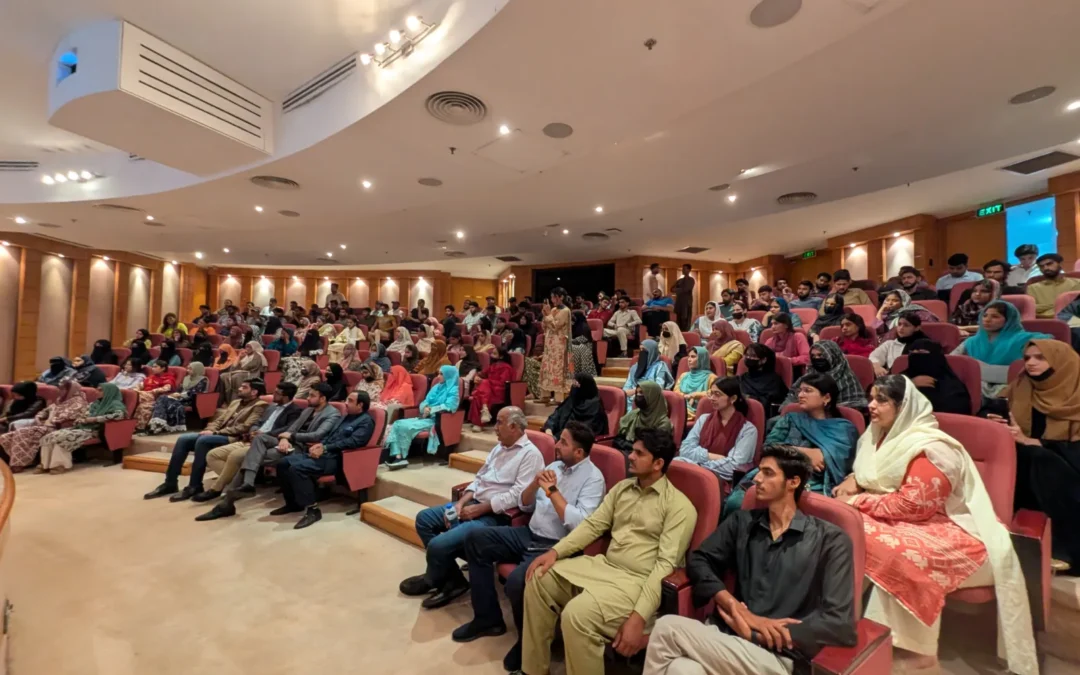
Quick answer: An MS Office course in Lahore should teach Word, Excel and PowerPoint skills that offices use daily. See what to expect and practise.
Almost every office in Lahore, from a small trading firm to a large company, expects staff to handle documents, spreadsheets and presentations. Yet many graduates and job seekers have only a basic idea of these tools. An MS Office course in Lahore fills that gap with practical training in the programs people use every working day: Word, Excel and PowerPoint, often with Outlook and basic computer skills alongside.
This article explains what office employers typically expect, what a useful course should cover, and how to practise so the skills stay with you. Ideo College teaches at Arfa Software Technology Park (Arfa Karim Tower), Lahore. You can read about the MS Office Course in Lahore on its page, and ask the counsellors for the current outline and batch timings.
Why office software skills still matter
New tools appear every year, yet documents, spreadsheets and slides remain the everyday language of work. Reports, invoices, attendance sheets, quotations, meeting presentations and email all depend on them. Someone who can create a clean document or a correct spreadsheet quickly saves time for the whole team and stands out among candidates.
Microsoft Word: more than typing
Word is often where beginners first feel capable, but there is a gap between typing text and producing a professional document. A good course should teach you to:
- Use styles and headings so your document has consistent structure
- Set margins, page size, headers, footers and page numbers
- Create tables, lists and simple layouts
- Insert images and captions without breaking the layout
- Build a table of contents for longer reports
- Use mail merge to create letters or certificates in bulk
- Review text with comments and tracked changes
These skills turn a messy file into a document you would be comfortable sending to a manager or client.
Microsoft Excel: the skill employers notice
Excel is often the most valuable part of an office course. Even basic competence helps in accounts, sales, HR, operations and administration. Useful topics include:
- Entering and formatting data correctly
- Formulas such as SUM, AVERAGE, IF, COUNTIF and lookups
- Sorting, filtering and removing duplicates
- Charts that communicate trends clearly
- Pivot tables for summarising larger data sets
- Data validation and simple protection of formulas
The best way to learn Excel is by solving real tasks: a monthly expense sheet, a sales tracker or a stock list. Ask whether the class uses realistic examples like these.
Microsoft PowerPoint: communication, not decoration
Slides should help people understand an idea, not distract them. Skills worth learning include clean slide layouts, consistent fonts and colours, using the slide master, adding charts and images, simple animations, and presenting confidently with notes. You also learn to avoid common mistakes, such as crowded slides, tiny text and unreadable colour combinations.
Outlook, email etiquette and file management
Many office courses include email and file handling. These seem small but matter daily: writing clear subject lines, attaching the right files, organising folders, naming documents sensibly and keeping versions under control. A professional email habit is a quiet advantage in any workplace.
Typing speed and keyboard shortcuts
Speed comes from practice. Learning shortcuts for copying, pasting, selecting, formatting and navigating can save hours each week. Ask whether the class includes short, regular typing and shortcut practice.
Who should consider this course?
- Students preparing for internships and first jobs
- Fresh graduates whose degrees did not include practical software training
- Administrative staff, assistants and receptionists
- Small business owners who manage their own paperwork
- People returning to work who want to refresh their skills
How to practise between classes
Create small real-life projects: a household budget in Excel, a one-page CV in Word, a five-slide presentation about a topic you enjoy. Each project uses several skills and gives you something to show. If you plan to freelance, office skills also help you prepare quotations and reports, as discussed in our beginner freelancing course syllabus post.
Questions to ask before enrolling
- Which version of Microsoft Office does the class use?
- Are students working on computers in class, or only watching?
- What practical files will I create by the end?
- Can I get help if I miss a session?
You can ask these in person between 9am and 10pm, Monday to Sunday, or call 0300-8642269 or 0321-0222118. To see how this fits with other programmes, read how to choose an IT course at Arfa Tower Lahore, browse the list of short courses in Arfa Karim Tower, or visit the Ideo College homepage.
An MS Office course in Lahore is a practical investment: the skills are used in almost every workplace. Choose a class that makes you practise on real tasks, and you will be useful from your first week on the job.
Frequently Asked Questions
Where can I learn practical digital skills in Lahore?
Ideo College teaches practical short courses in person at Arfa Software Technology Park (Arfa Karim Tower), Lahore, with NAVTTC, PSDA and PBTE affiliation.
How can I contact Ideo College?
Call 0300-8642269 or 0321-0222118. The institute is open 9am to 10pm, Monday to Sunday.